


Description
Product Details
NOW FEATURES A MICRO-B USB CONNECTION PORT
(Units manufactured after 3/20/18; older units use MINI-B)
Program your Castle brushless ESCs and accessories on your Windows® PC with the Castle Link USB Programming Kit.
Key Features:
-
Easy point-and-click setup for all programmable options
-
View and adjust your current settings
-
Air applications: customize low-voltage cutoff, prop brake strength, governor gain, and more
-
Surface applications: customize low-voltage cutoff, drag brake, torque limiting, and more
-
Download software updates as they become available
Software Highlights:
-
Compatible with all Phoenix, Talon, Thunderbird, QuadPack, DMR, Mamba, Sidewinder, and Hydra controllers, plus accessories like Telemetry Link and all Castle external BECs
-
Demo Mode allows viewing available settings without connecting a device
-
Easy software installation
-
Expanded programming and parameters for all non-Cobra Castle ESCs (use Castle Link V4 for Cobra series ESCs)
Setup Instructions:
-
Download the interface software from the Software section.
-
Plug the Castle Link into the controller’s receiver lead and connect the included micro-USB cable.
-
Connect the USB cable to your PC.
For more details, refer to the Castle Link software page or visit the Downloads section.
Package Includes:
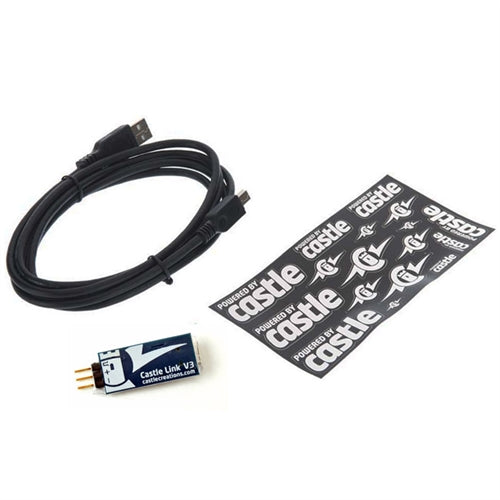
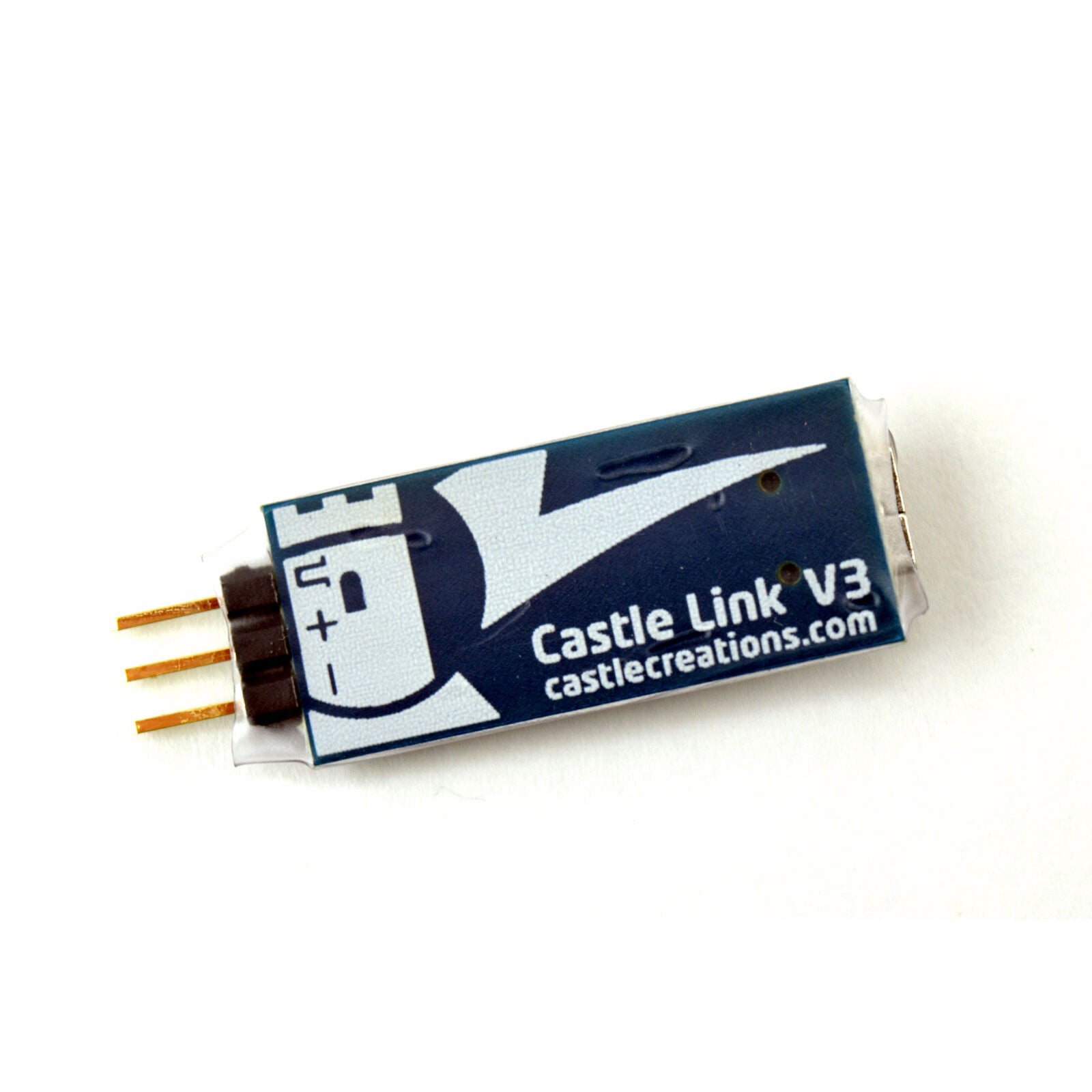
A proprietary Castle Link interface adapter and a standard micro-B USB cable. Only an available USB port on your PC is required.
System Requirements:
Compatible with Windows Vista, Windows 7, Windows 8, Windows 10, and Windows 11.
Mac Users:
Software such as Parallels Desktop, VMware Fusion, or Apple Boot Camp may be used to run Windows (Vista, 7, 8, or 10) on Intel-based Macs. Castle Creations does not provide Macintosh support.